Odstranění Family Link bez hesla – jak převést dětský účet na běžný
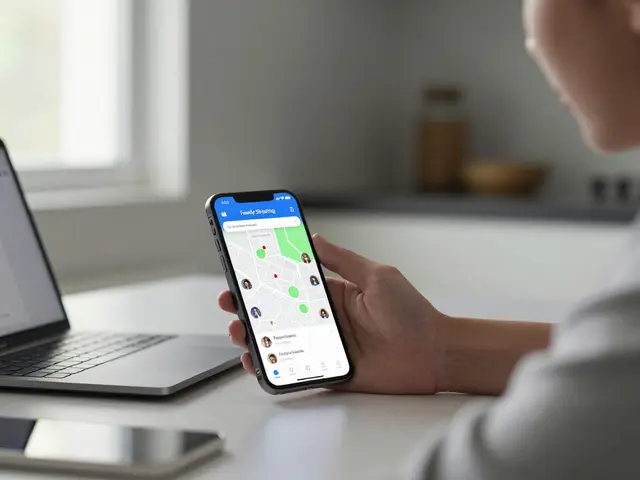
When you need to remove Google Family Link, a free parental control app from Google that lets parents manage screen time, apps, and location for children under 13. Also known as rodičovská kontrola Google, it's designed to help families set digital boundaries—but what happens when you want to take it off and don’t remember the password? Many parents face this exact problem: their child is growing up, the controls are no longer needed, but the password to the parent’s Google account is lost, forgotten, or simply not accessible. You don’t want to wipe the device or lose all the apps and photos. And you shouldn’t have to.
Family Link isn’t just a lock—it’s a bridge. It connects a child’s Google account to a parent’s, creating a controlled environment. But once that bridge has served its purpose, you need to dismantle it cleanly. The key is understanding that dětský účet, a Google account created for a child under 13, managed through Family Link can be converted into a standard account without deleting anything. This isn’t hacking. It’s not bypassing security. It’s using Google’s own system to transition from child mode to adult mode. And yes, you can do it even if you don’t have the parent password—just by using the child’s device and following the right steps.
What you’ll find in the posts below are real, tested methods that work in 2025. No third-party tools. No risky downloads. Just Google’s built-in options, step by step. You’ll learn how to handle situations where the parent account is locked, how to remove Family Link from an iPhone or Android tablet, and what happens to apps, games, and saved data after the transition. Some parents think they need to delete the account entirely. They don’t. Others think they need to reset the whole phone. They don’t. The solution is simpler—and safer—than you think.
You’ll also see how Family Link connects to other tools like Screen Time, Apple’s built-in feature for managing device usage on iPhones and iPads, and why sometimes switching from Google to Apple’s system makes more sense—especially if your child uses an iPhone. And if you’ve ever wondered why Family Link doesn’t work the same way on iOS as it does on Android, the posts explain exactly why—and what you can do instead.
This isn’t about control. It’s about letting go at the right time. Your child doesn’t need a leash forever. They need a clear path forward. And removing Family Link the right way is the first step on that path—without breaking anything, without losing data, and without the stress of passwords you can’t remember.