Odstranění dětského účtu: Jak to udělat bezpečně a kdy je to správný čas
When you're ready to remove a child's account, you're not just deleting data—you're closing a chapter in their digital growth. Odstranění dětského účtu, proces, při kterém se odstraní přístup k digitálním službám jako Google Family Link nebo Apple ID, které byly nastaveny pro ochranu dítěte. Also known as zrušení dětského účtu, it is not just a technical step, but a milestone in letting go of control and starting trust. Many parents think they need to delete the account when their child turns 13 or 16, but the real question isn’t about age—it’s about readiness.
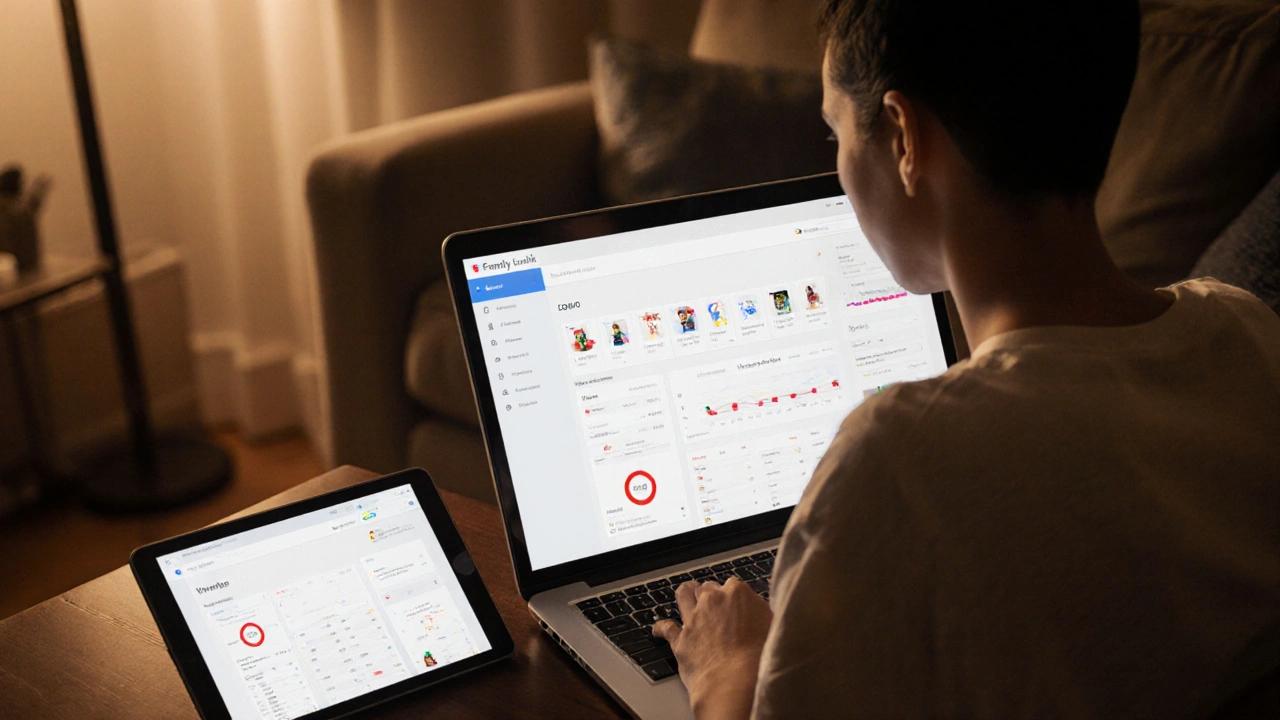
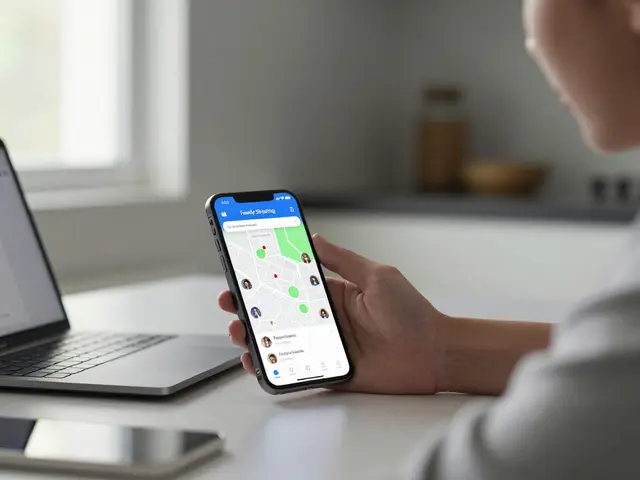
When you remove a child’s account from Family Link, Google’s free parental control tool that lets parents manage screen time, app access, and location for children under 13, all restrictions vanish. The child’s Google account becomes a regular account, and you lose the ability to see their activity or block apps. Similarly, with Apple ID, the account tied to an iPhone or iPad that enables Family Sharing, Screen Time, and location tracking for children, removing them from Family Sharing stops location updates, app purchase approvals, and screen time limits. But here’s the catch: deleting the account doesn’t erase their digital footprint. Their YouTube history, saved photos, and downloaded apps stay—unless you manually delete them.
Most parents rush to remove these accounts because they think it’s the only way to give freedom. But freedom without understanding leads to mistakes. Before you delete anything, ask: Has your child shown they can say no to strangers online? Can they recognize a scam message? Do they know how to report something scary? If not, removing the controls too early is like taking away a bike’s training wheels before they learned to balance. The right time to remove a child’s account isn’t on their birthday—it’s when they start asking for less control, not more.
You don’t need to delete the account to stop monitoring. You can simply turn off location tracking, disable app restrictions, or remove parental approval for downloads. That’s not giving up—it’s transitioning. Many families keep the Apple ID or Google account active but stop using the parental tools. The child keeps their data, their apps, their history—and you stop watching. That’s how real digital maturity works: not through removal, but through responsibility.
And if you’re worried about someone else accessing the account? That’s a different problem. If your child’s device was ever used by a stranger, or if you suspect hidden tracking apps, then removing the account isn’t enough. You need to check for spyware, change passwords, and reset devices. A child’s account isn’t just a login—it’s a key to their digital life. Treat it like a house key: don’t just throw it away, make sure no one else has a copy.
In the posts below, you’ll find step-by-step guides on how to remove Family Link and Apple ID accounts safely, what happens to saved data, and how to talk to your child about letting go of control. You’ll also see what to do when your child wants their own account back—and how to rebuild trust instead of just removing filters. This isn’t about tech. It’s about growing up.